
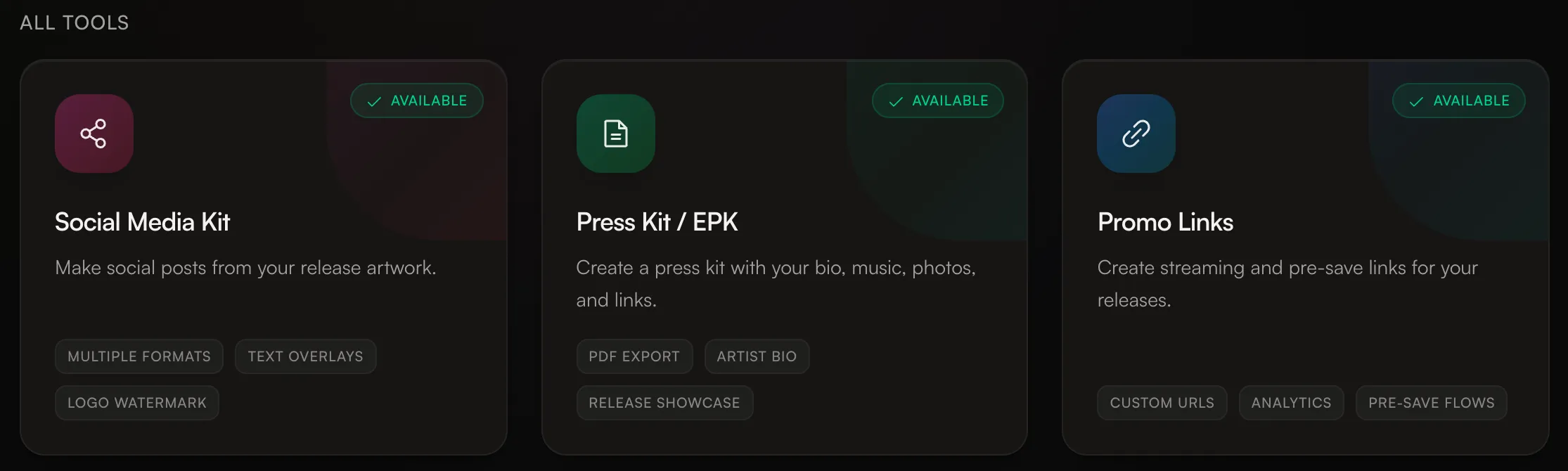
Social Media Kit
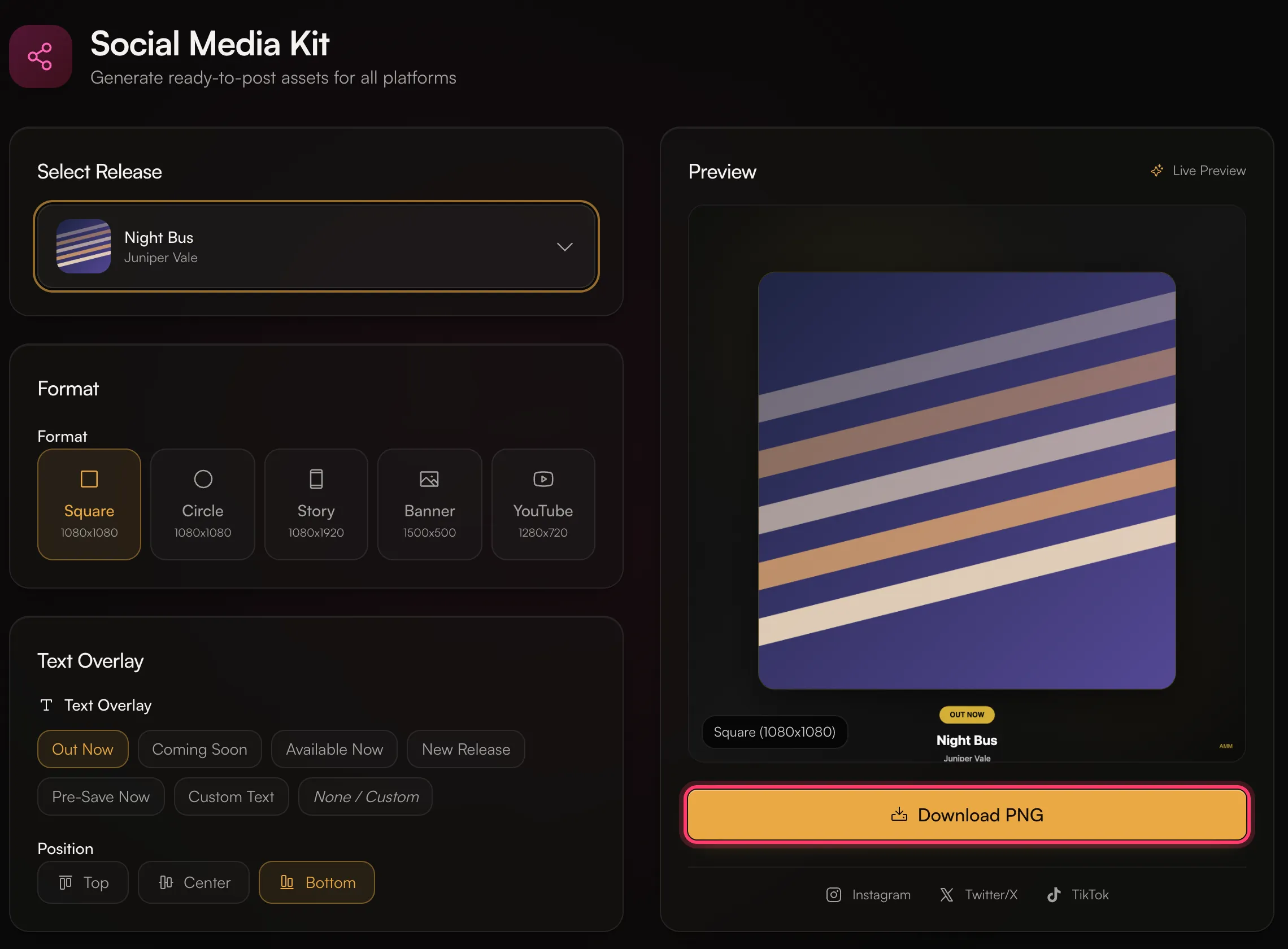
Make social posts from your release artwork.- Click Social Media Kit.
- Under Select Release, pick a release.
- Pick a Format:
- Square (1080x1080)
- Circle (1080x1080)
- Story (1080x1920)
- Banner (1500x500)
- YouTube (1280x720)
- Pick a Text Overlay: Out Now, Coming Soon, Available Now, New Release, Pre-Save Now, Custom Text, or None / Custom. Choose its Position: Top, Center or Bottom.
- Turn the Logo Watermark on or off. It adds a small “AMM Distro” mark.
- Check the Preview and click Download PNG.
Press Kit / EPK
Create a press kit with your bio, music and links, and download it as a PDF.- Click Press Kit / EPK.
- Under Artist Info, fill in Artist Name (required), Bio (up to 500 characters) and Genre Tags.
- Under Releases, choose the releases to feature.
- Under Social Links, add your Spotify, Apple Music, Instagram, X, YouTube and TikTok links. Under Contact, add a contact email and your management or label name.
- Check the Preview, then click Download PDF.