
File requirements
When you upload, the image is converted to a 3000 × 3000 pixel JPEG at 300 DPI. Smaller images are scaled up to that size, so use the largest version you have. A 3000 × 3000 original will look sharpest.
Upload your artwork
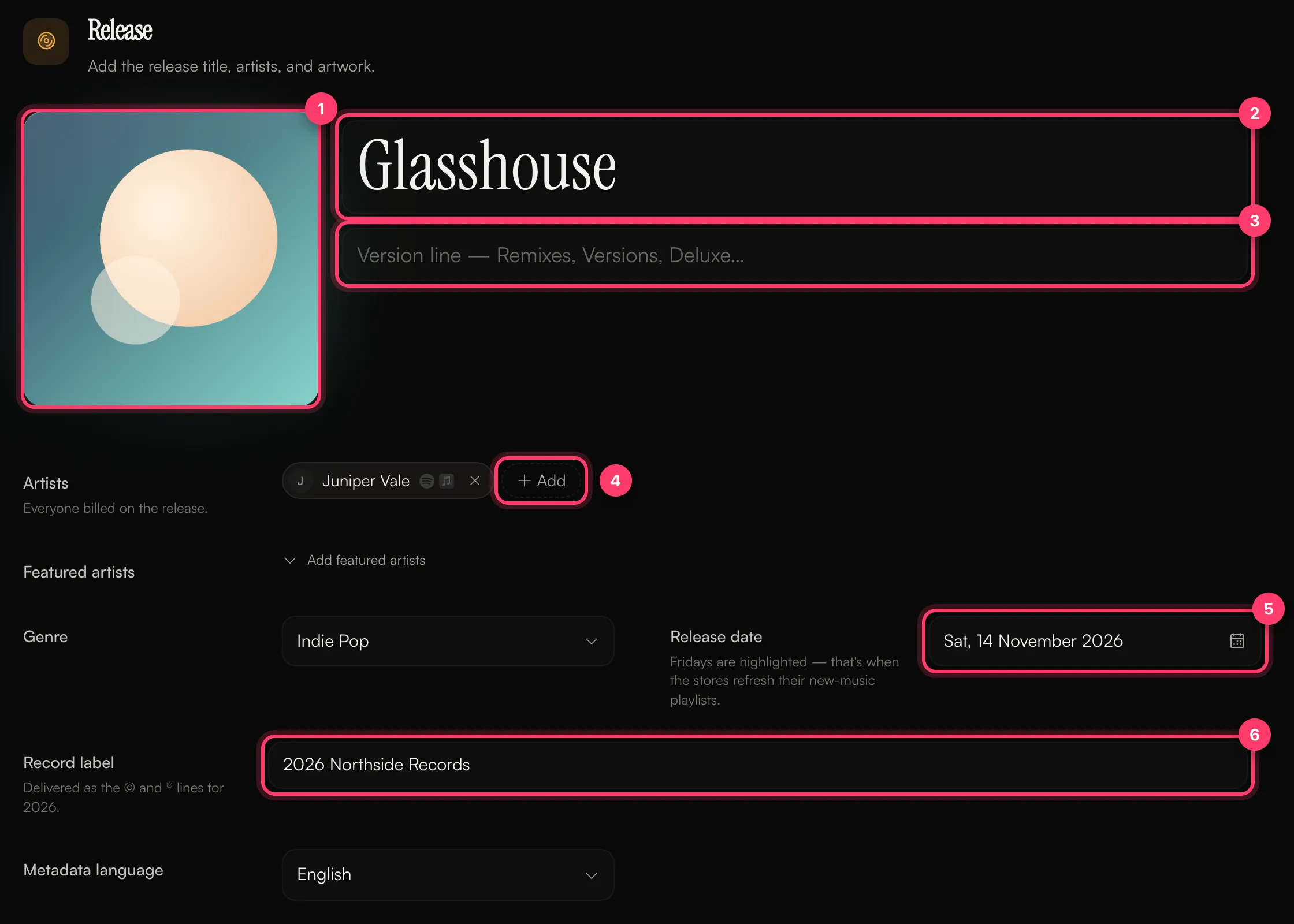
- Open your release in the builder.
- In the Release section, click the artwork box or drop your image onto it.
- To change it later, click the artwork again and choose a new file.
What shouldn’t be on your cover
Stores reject covers that include:- Website addresses (URLs)
- Social media handles
- Contact details such as an email address or phone number