
Team invitations
A team invitation gives you access to an artist or label account, with the role the sender chose:- Admin: full access, including the team, releases, royalties and account settings.
- Member: can create and edit releases and view analytics, but can’t manage the team or billing.
- Viewer: can see releases and analytics but can’t change anything.
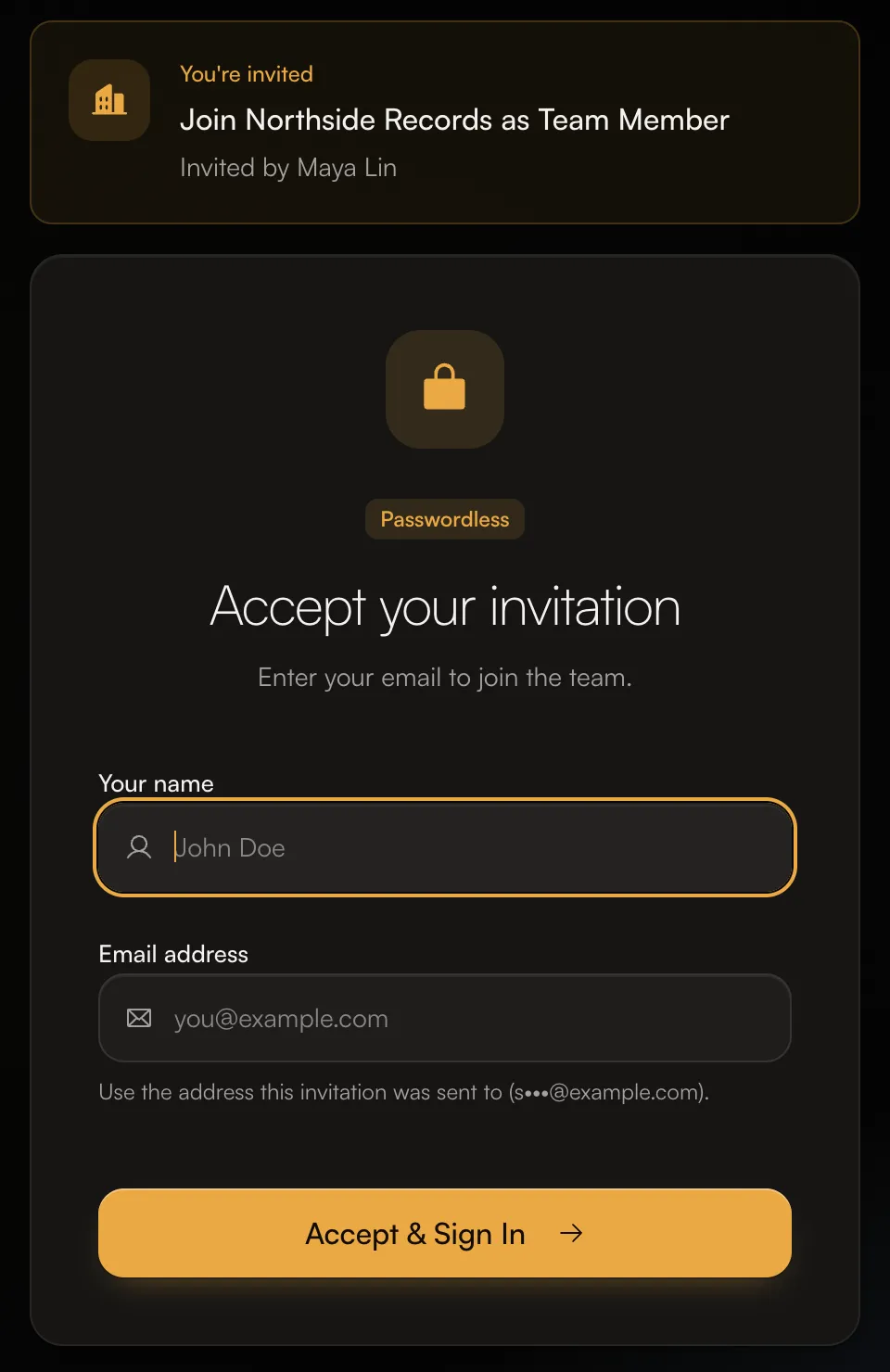
- Click the link in the invitation email. The card at the top shows which account you’re joining and who invited you.
- Enter Your name and your Email address. Use the address the invitation was sent to. The page shows a hint, such as “Use the address this invitation was sent to (s•••@example.com).”
- Click Accept & Sign In, then click the sign-in link we email you.
 Once you’re in, the account appears in the account switcher at the top of the left menu.
Royalty split invitations
A split invitation means someone wants to share part of their earnings on a track with you, for example as a producer or co-writer. The invitation shows the track and Your share.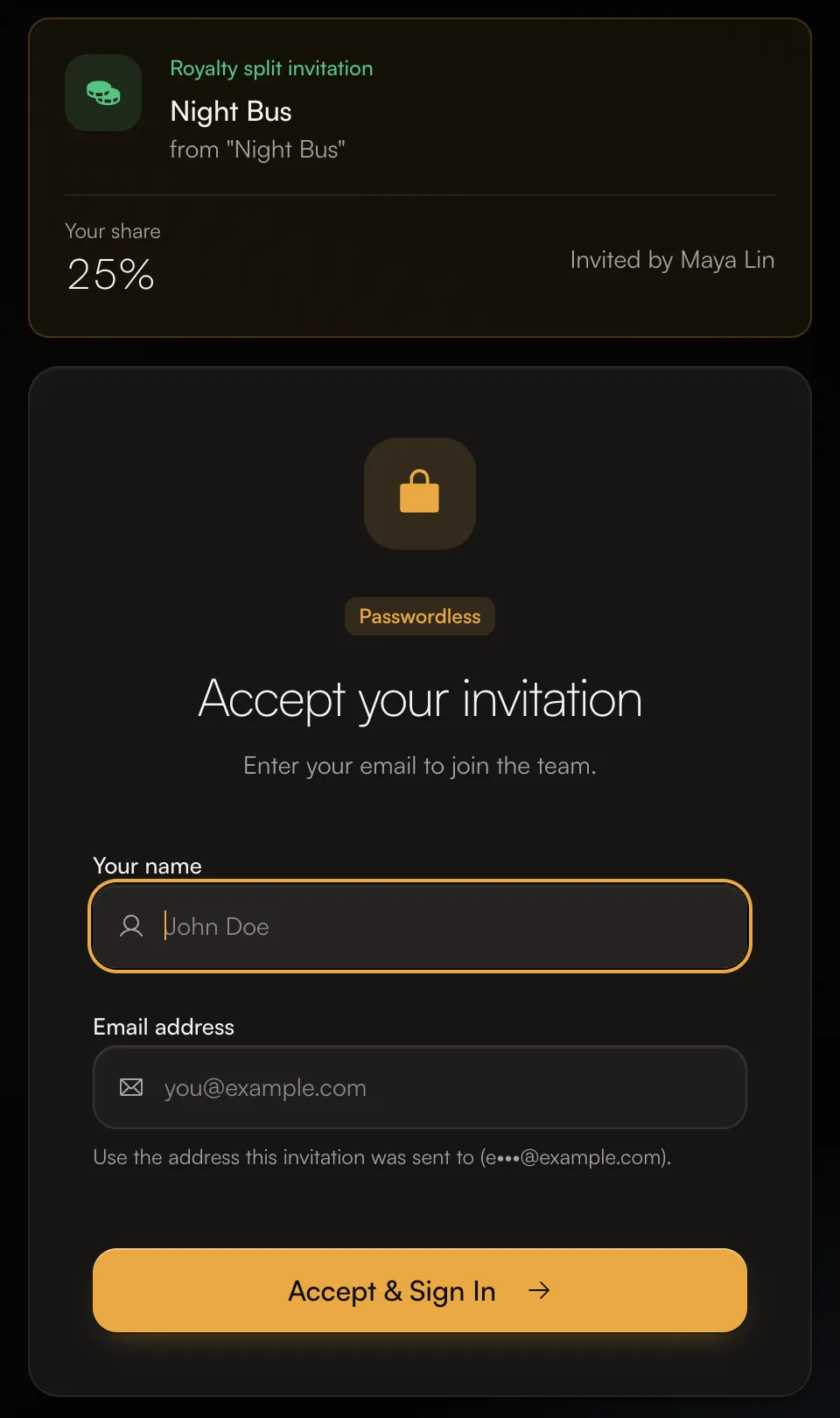
- Click the link in the email, enter your name and the invited email, and click Accept & Sign In.
- After you sign in, open Split Invitations (from the split invitations card under Updates on Home, or the badge on Money) and click Accept Split.
Until you accept a split, your share stays with the person who sent it. Accept it soon so your earnings start coming to you.
See all your pending invitations
If you already have an account, you can find invitations waiting for you in the app:- Press ⌘K (or Ctrl+K), type “Invitations” and open the Invitations page. It lists team and split invitations waiting on you, with when each one expires.
- Split invitations also appear on Home in the Updates card, for example “1 split invitation”.
How long invitations last
- Team invitations expire after 7 days.
- Split invitations sent to someone without an account expire after 70 days.