
Release title and version line
- Title: the name of the release, exactly as it should appear in stores.
- Version line: only for releases that are a version of something, such as “Remixes”, “Versions” or “Deluxe”. Leave it empty for a normal release.
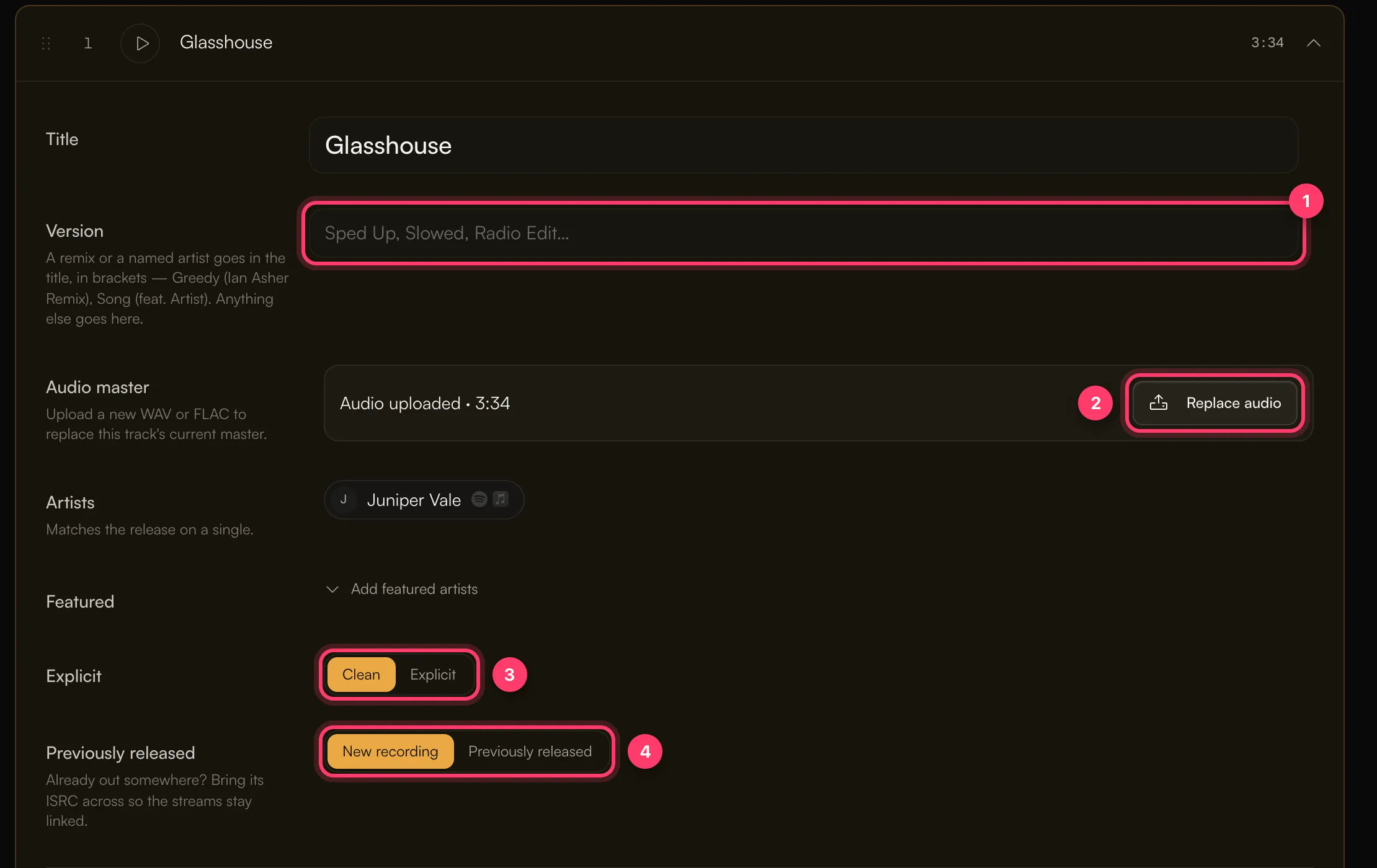
Track title and version
Open a track to see its Title and Version fields.- A remix or a named artist goes in the title, in brackets: Greedy (Ian Asher Remix), Song (feat. Artist).
- Anything else that describes the version goes in Version: Sped Up, Slowed, Radio Edit, Acoustic, Instrumental.
Remixes
If a track’s title or version contains the word “remix”, the remixer must be credited with the Remixer role. Preflight flags a remix with no remixer, and you can’t submit until it’s fixed. If you can’t add the remixer credit, send us a message from the chat on this page, or email team@ammdistro.com.Artists
Artists in the Release section is everyone billed on the release, up to 4 primary artists. Type a name in Search or add an artist…, and pick the artist or create a new one. When you create an artist, you’re asked for:- Their Spotify profile (search or paste a link) and Apple Music profile, if they have them.
- Their legal First name and Last name. This stays private and is needed before you can submit.
Featured artists
Click Add featured artists to add someone as a feature.- On a single, a featured artist is billed on the release itself.
- On an EP or album, featured artists on a track are credited on that track. They get the credit and the streams, but the release doesn’t appear on their artist page.